Getting started
The practice house, explained
Why every new InspectorKit account starts with a pre-filled inspection, what to try inside it, and why it never touches your report limit.
By Owen Murray, founder of InspectorKit · Updated July 10, 2026
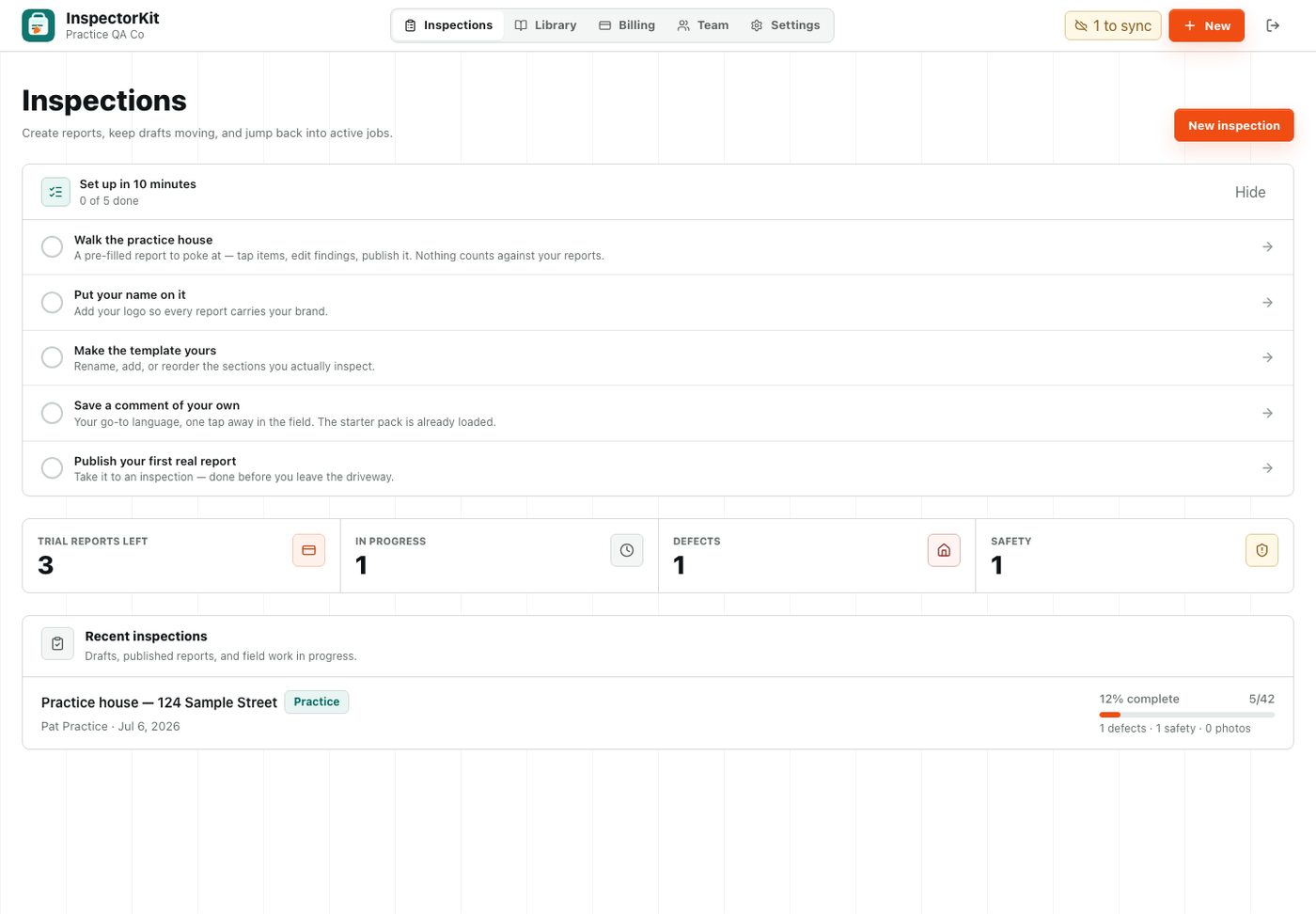
Every new account opens on an inspection you did not create. That is intentional. The practice house at 124 Sample Street is a safe copy of a real report, pre-filled with the kinds of findings you write every week.
What is already in it
Five items arrive filled in so you can study each condition type with realistic language attached.
The roof covering carries a defect with a full narrative about damaged flashing. GFCI protection has a safety finding. Gutters and grading sit at marginal. The water heater shows what a clean functional entry looks like. Everything else is untouched, waiting for you.
Each pre-filled item also has a summary note, so when you open the published view you can see how the summary page assembles itself from your findings without you writing anything twice.
What to try first
Poke at it in this order and you will have covered most of the builder in a few minutes.
- Tap the roof covering item and read how the narrative and summary note fit together
- Change a condition on any untouched item and watch the section progress update
- Insert a comment from the library on the right, then edit it in place
- Add a photo to any item and draw a circle on it with Annotate
- Hit Publish and open the share link like you were the client
None of this uses up anything. The practice house is excluded from your report count entirely, regardless of your plan. The first report walkthrough picks up from here when you are ready to create a real one.
Why I built it this way
Blank software is hard to evaluate. When the first screen is an empty dashboard and a tutorial video, you spend your energy imagining how work would feel instead of doing work. A pre-filled report flips that. You are editing real findings within thirty seconds of signing in, and the builder teaches itself.
It also means the getting started checklist on your dashboard has a real first step. Walk the practice house, then put your logo on the account, and by the time you publish a real report the tool already feels like yours.
Common questions
Can I delete the practice house?
You can leave it published, unpublished, or fully ignored. It sits at the bottom of your inspection list once real work stacks up, and it never counts toward anything.
Can I publish the practice house?
Yes. Publishing it is actually a good rehearsal, because you get to see the share link and PDF flow end to end before a client is waiting on you.